
AI Chatbot Setup: How to Add an AI Chatbot to Your Website
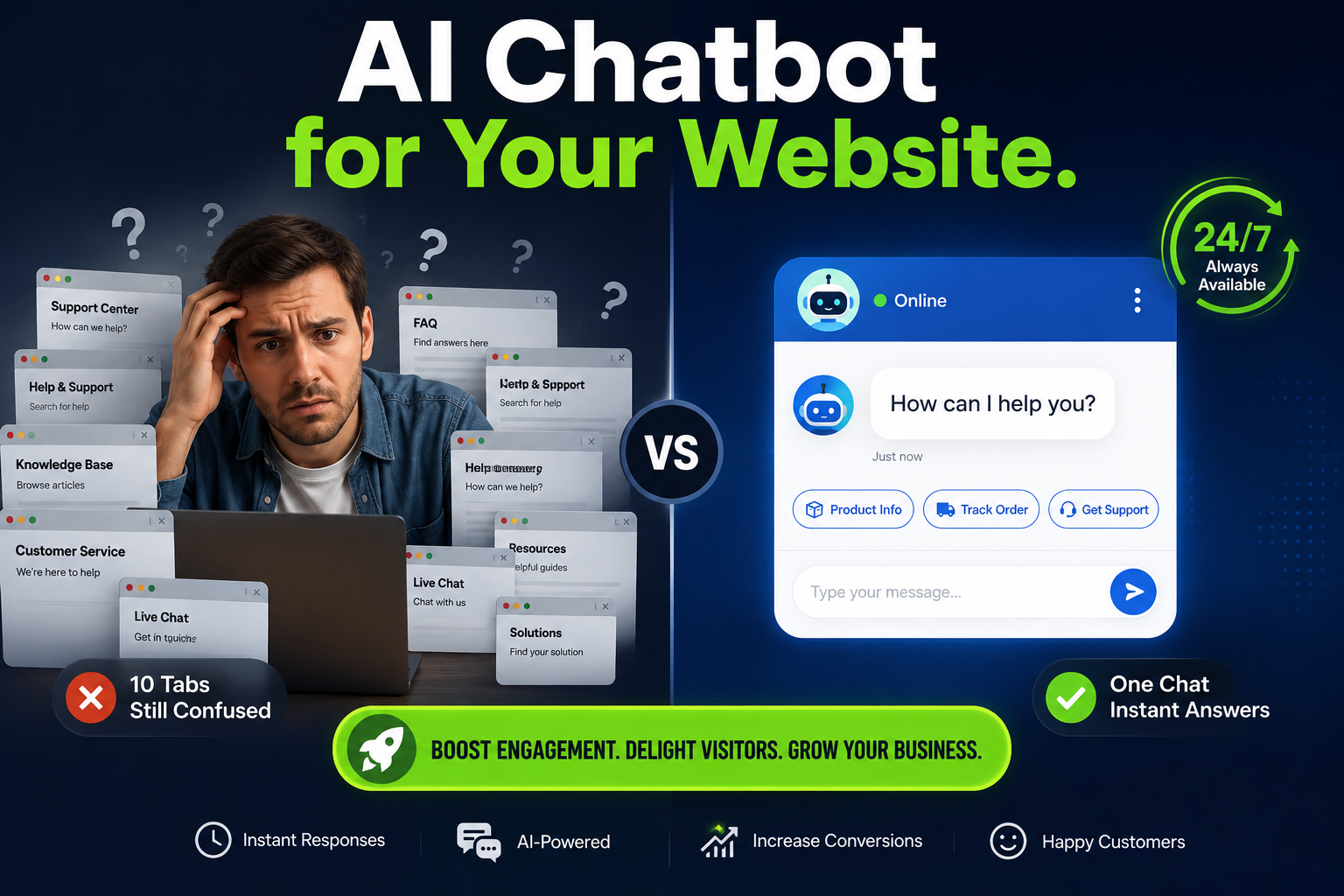
In an age of constant change business strives to find innovative ways to streamline operations and provide customers with high levels of quality service. One such technological advancement has gained increasing popularity among companies, – the AI chatbot.
An AI chatbot can communicate with customers, answer their questions, provide information about the company, collect and qualify leads, set appointments and much more. The benefits to business are enormous. Implementing such a system provides customers with round-the-clock support and reduces the number of repetitive tasks employees need to perform.
There are numerous criteria to consider before installing a chatbot and leaving it to its own devices.
What is an AI chatbot?
An AI chatbot is a computer program designed to communicate with customers via a messaging interface on the company’s website. Having said that, it is worth noting that an AI chatbot does not require visitors to navigate the website to find the answer to their questions. Instead, the chatbot provides solutions instantly.
For instance, if a client asks “What are your business hours?” the chatbot will immediately give an answer.
Moreover, in response to the message “How much does an ai chatbot cost?” it can provide the requested information as well.
More advanced chatbots can do even more by collecting the required information from website visitors, qualify them, answer more complex questions, schedule appointments, and transmit data to other platforms or programs.
Why consider using a chatbot?
The main advantages of using an AI chatbot are:
- 24/7 availability
- Instant resolution to many questions, even outside of business hours
- Frequently asked questions handled by the chatbot free up an employee to do other tasks
- Substantial reduction in monotonous and routine work
- Accurately collecting and qualifying information about customers
- Increases customer engagement
- Provides a more personalized experience
- Connects with other programs or platforms
What must your Chatbot do?
- Determine what the chatbot is needed for.
- Compile a list of questions frequently asked (FAQ) by your customers, whether the questions are via email, phone, website, social networks, or any other means of communication.
- Decide what information the chatbot should provide, which may include item such as:
- Company description
- Information about the products / services offered
- Pricing
- Operating hours
- Frequently Asked Questions (FAQ)
- Contact information
- Terms of service
- Delivery conditions / scheduling
- Appointment scheduling
- Decide which rules the chatbot should follow to communicate with customers.
- Some companies want the chatbot to respond formally
- Others are okay with a friendly and laid-back.
Having determined what the chatbot should do, it is time to choose the correct platform where the chatbot will be hosted.
How to choose the correct ai chatbot platform?
- There are many different chatbot platforms on the market, and it is vital to pick the one that suits the companies needs best.Some platforms specialize in chatbots for websites, while others offer more advanced features.Popular platforms are Botpress, Voiceflow, out of a myriad of others.Consider the following essentials when deciding on the right fit for your chatbot:
- Ease of setup
- Artificial intelligence
- Integrations
- Cost (setup as well as ongoing monthly costs for hosting training, re-training and maintenance)
- Scalability
- Analytics
- Lead capture options
- CRM
- Channels
Choosing a suitable platform is one thing, setting up the chatbot is another challenge.
Connecting the chatbot to other systems
An AI chatbot can collect the email address of a website visitor. In order to do this, the chatbot needs to be connected to a spreadsheet or other software via automation software.
- The most popular automation software is Make, formerly Integromat. The Make platform allows you to create scenarios, also known as automations. In general terms, the idea is that after a particular action occurs, defined reactions should take place.The following scenario can be created: “When a website visitor speaks to an AI chatbot, Make transfers the information to Google Sheets, and the chatbot can send the obtained information to the customer via email. The result is that in just a few steps, the chatbot can be integrated with other programs to automate specific repetitive tasks.
Integration and testing the chatbot for all scenarios
- After setting up the chatbot and integrating it with other programs, it is time to proceed to testing.Test the chatbot to make sure it functions correctly and performs as required.
- Start by asking standard questions, similar to what the company’s employees usually receive.
- Then proceed to tricky questions, to see how the chatbot will respond.
- Check that the chatbot does not provide incorrect information.
- If the information is not as desired, update the knowledge files and retrain the chatbot.
- It is also a good idea to test the lead capture and integrations, ensuring that the information that needs to be sent somewhere actually gets there.
- After thorough testing, it is time to install and add it to the company’s website. Usually, a website chatbot comes with codes or a plug-in that should be installed on the website. Depending on the chatbot service, the widget or codes will be added to WordPress, Shopify, Wix, Webflow, or another CMS.
Considering the most convenient placement of the ai chatbot on the website page
- After installation, it is necessary to choose the location on the website where the chatbot will appear so that it is noticeable but not intrusive to the website’s visitors.
Styling the chatbot
- The chatbot should have a welcome message, which would encourage visitors to ask questions. example: the message can be as simple as “Hi there! How can I assist you today?” After that, the chatbot can offer to answer some of the most common questions or allow visitors to ask their own questions.
Maintenance, training and re-training the chatbot
- Crucially to remember, an AI chatbot is not set up and forgotten. First of all, a company may change its policies, product offerings, pricing, hours, and any other information that the chatbot may need to provide. Therefore, it is essential to update the information provided by the chatbot.
- In addition, it is vital to periodically review the questions that the chatbot receives and make sure that the answers are correct. Questions should be added frequently as customer questions change. An AI chatbot requires proper maintenance and re-training to provide relevant answers.
Conclusion
- An AI chatbot can be an essential addition to the company’s website as it can significantly enhance the customer experience, offering assistance 24/7, collecting and qualifying leads, whilst integrated with other programs, platforms, and much more.